
How to Get More Google Reviews: A 2027 Guide for Ontario Small Businesses
 By Ugene Gumus
Nov 17, 2026
Updated Nov 18, 2026 4 min read
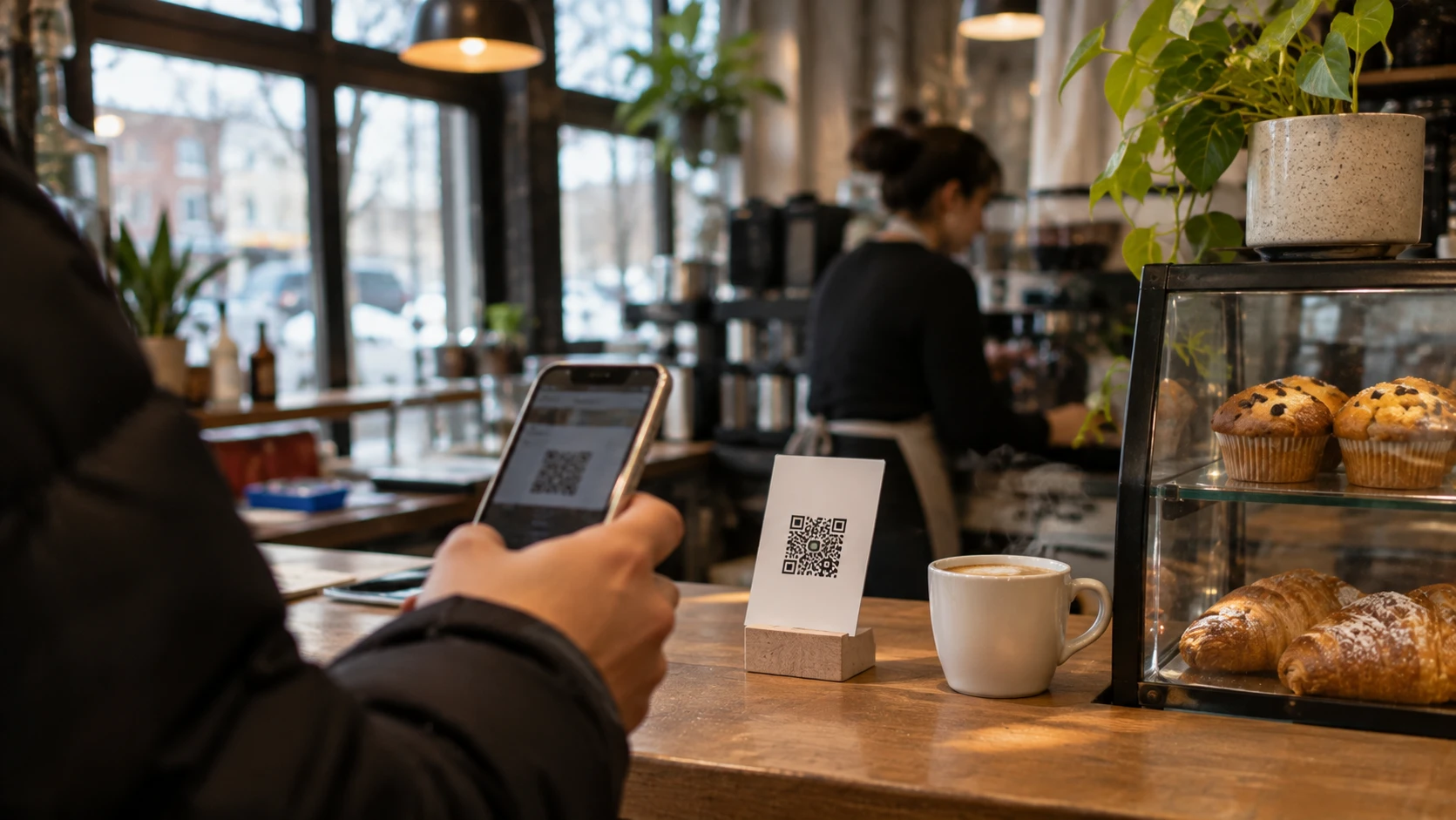
Quick answer: The most reliable way to get more Google reviews is to ask every customer, right after a good experience, with your direct review link or a QR code, and to make asking a routine instead of a one-off. Google does not allow rewarding customers for reviews or asking only the happy ones, so keep the request simple and send it to everyone. Reply to every review, good or bad.
Key takeaways
- Ask every customer, at the moment they are happiest.
- Use your direct review link and a QR code to remove friction.
- No incentives and no review gating: both break Google’s rules.
- Reviews that mention the service and the city help rankings and AI answers.
Reviews do three jobs at once. They help you rank in Google Maps, they convince people who are comparing you with a competitor, and they shape how AI assistants describe your business. Yet most small businesses in Ontario only get a review when a customer remembers to leave one. Here is a simple system that fixes that.
Step 1: Get your review link and QR code
Sign in to the Google account that manages your Business Profile and open your profile in Google Search or Maps. Choose the option to ask for reviews and copy the short link it gives you. Or skip the steps: our free Google review link generator finds your business, builds the direct link and gives you a QR code and a printable review card. Now you can paste the link into emails and texts and print the QR code on receipts, invoices and counter cards.
Step 2: Ask at the right moment
The best time to ask is right after the customer feels the result.
| Business type | Best moment | Best channel |
|---|---|---|
| Trades and home services | The same day the job is finished | Text message with the link |
| Restaurants, cafes and shops | At the table or the counter | QR code on the receipt or a table card |
| Professional services | After a deliverable or a milestone | Email with the link |
| E-commerce | A few days after delivery | Order follow-up email |
| Clinics and health services | After the visit, without mentioning treatment details | Follow-up email or text |
Step 3: Use a short, personal message
Something like this works well:
“Hi Sam, thanks again for choosing us for your kitchen plumbing. If you have a minute, a quick Google review would really help other people in Waterloo find us: [link]. Thank you!”
Using the customer’s name, the service and your city makes the request feel personal, and customers often echo those words in their review.
Step 4: Turn it into a system
- Add the review link to invoices, receipts and your email signature.
- Set up an automatic follow-up email or text after each job or order.
- Remind your team to mention it in person at the end of a visit.
- Track how many reviews you get each month and set a simple target.
What not to do
- No incentives. Discounts, gifts or contest entries in exchange for reviews break Google’s rules.
- No review gating. Do not ask only customers you expect to be happy, or screen people before sending the link.
- No fake or bought reviews, and no reviews from staff, family or yourself.
Google can remove reviews and restrict profiles that break these rules, and fake reviews can also be treated as misleading advertising under Canadian law.
Reply to every review
Thank people by name and mention the service in your reply. For a negative review, stay calm, apologize for the experience, and offer to sort it out by phone or email. Future customers read your replies as closely as the reviews themselves.
How reviews help your AI visibility
AI assistants summarize what people say about a business. Detailed reviews that mention the service and the location, such as “they rebuilt our website and we now get calls from Kitchener every week”, give those tools clear, specific material to work with. A gentle prompt like “What did we help you with?” encourages that kind of detail. See our guide on checking what ChatGPT says about your business for the full picture.
Frequently asked questions
How many Google reviews do I need?
There is no magic number. Look at the top three competitors in Google Maps for your main search and aim to match or beat their count and recency. A steady flow of new reviews matters more than a big total from years ago.
Can I ask for reviews by email or text?
Yes. Asking customers for honest reviews by email, text or in person is allowed, as long as you ask everyone and do not offer anything in return.
Can I remove a bad review?
Only if it breaks Google’s policies, for example spam, off-topic content or conflicts of interest. You can flag those. For genuine negative reviews, a calm and helpful reply is your best response.
Do reviews on Facebook or Yelp matter too?
Yes, especially for AI tools that read across many sites. Focus on Google first, then encourage reviews where your customers already spend time.
Want more reviews and better Maps rankings?
Mediasoli sets up review systems and Google Business Profiles as part of our local SEO services for Kitchener, Waterloo and Cambridge. Or start with a free audit.

Ugene builds websites, Shopify stores and SEO strategies for businesses across Ontario. He has worked with 30+ brands in Canada, from local shops to the Ontario Government.
Connect on LinkedInKeep reading
Local SEO in 2027: A Kitchener-Waterloo Playbook for Google Maps and AI Answers
A 2027 local SEO playbook for Kitchener, Waterloo, Cambridge and Guelph businesses: Google Business Profile, service area pages, reviews, citations and showing…

Schema Markup and llms.txt in 2027: The Technical Side of AI Search
The technical setup for AI search in 2027: which schema types to add, how to let AI crawlers in with robots.txt, what…
Google Business Profile Checklist for Kitchener-Waterloo Businesses
A step-by-step Google Business Profile checklist for Kitchener, Waterloo and Cambridge businesses that want more calls and better Google Maps rankings.
Have a project in mind?
Tell us where you want to be found, and we will map the way there.